
MyHiringOptions blog
Interview scheduling without the back-and-forth
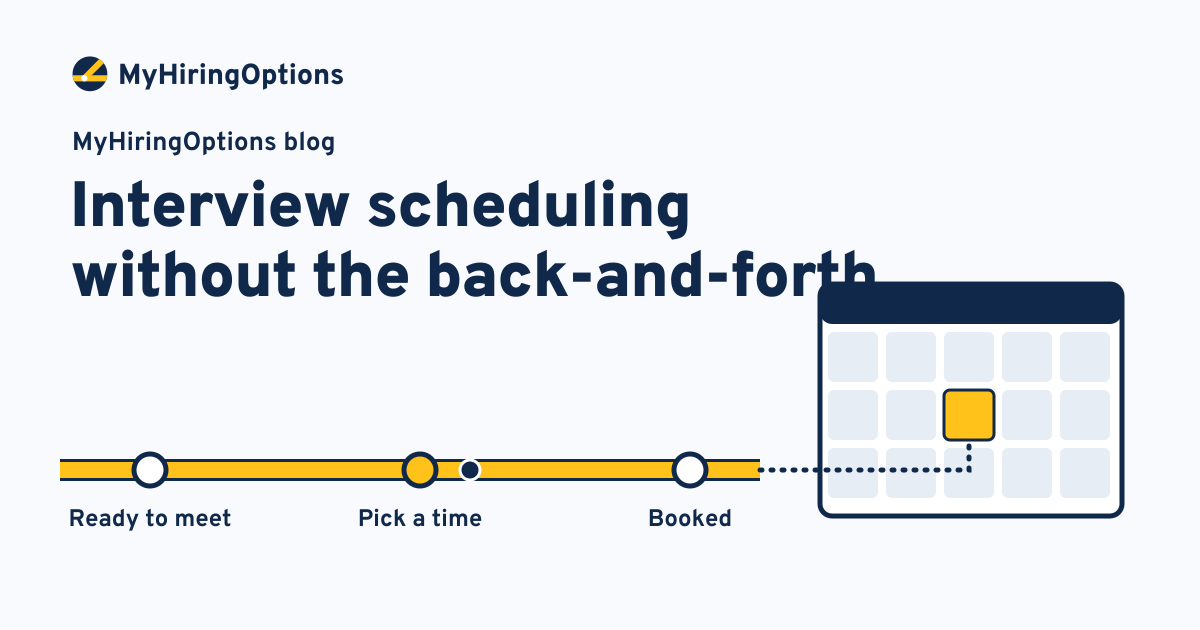
Booking an interview should take one message. In practice it often takes six: you offer Tuesday, the candidate is on shift, the manager is out Wednesday, someone suggests Thursday afternoon, and by the time a slot sticks the candidate has taken another job. The interview was never the bottleneck; the calendar was.
Candidates notice. In a vendor survey of 12,000 candidates in seven countries, 31% said their first interview took two to three weeks to schedule, and 37% named scheduling as the thing they most wanted automated (Cronofy, a scheduling software vendor, 2024). Read vendor numbers with care, but anyone who has hired line cooks or drivers knows the pattern.
Here is how to take the back-and-forth out, step by step, without handing any decisions to software.
Step 1: decide the rules before you send a single invite
Most scheduling threads are really unanswered questions. Answer them once, for each role:
- Who interviews. One person, or a pair? For a pair, the slot has to work for both calendars.
- How long. A 15-minute phone conversation and a 45-minute on-site visit need different slots.
- When. Set real openings, including some early or late ones. People who work hourly jobs often cannot take a call at 2 pm on a weekday.
- Buffers. Leave time between interviews for notes and for running late.
- Where. Phone, video or in person, and for in person, the exact address, where to park and who to ask for.
Write these down once. Every later step uses them.
Step 2: your team chooses who gets an interview
Scheduling starts after a person on your team has decided to meet the candidate. That order matters. Automation can offer times, but it should never decide who is offered them. Mark the candidate as ready for an interview, and let the booking step begin from there.
Step 3: send one link to real openings
Instead of proposing times, send a single link that shows only the openings you set in step 1, drawn from the calendars of the people interviewing. The candidate picks one. The time is booked on everyone's calendar, and an invite goes out with the details: length, format, address or call-in number, and who they will meet.
A few details make a big difference:
- Show times in the candidate's own time zone if you hire across state lines.
- Offer enough openings for a real choice, but not so many that your team's week fills up with holds.
- Let the link expire after a few days, and follow up once if it has not been used.
Step 4: remind everyone, both sides
No-shows are often forgotten appointments, not lost interest. Send a reminder the day before and a short one an hour or two before, to the candidate and to the person interviewing. For on-site interviews, repeat the address and parking note in the reminder; that is the moment people look for it.
Step 5: make rescheduling one tap, not a new thread
Plans change on both sides. Put a reschedule link in every confirmation and reminder that offers the same openings again. If your interviewer needs to move, the candidate gets new times automatically instead of an apology and a question.
Step 6: keep the status current
Once an interview is booked, held or moved, the candidate's status should change with it, so anyone on your team can see who is booked, who has not picked a time and who needs a nudge. This is also where follow-up starts: a candidate who has been interviewed and is waiting for an answer is the next stall to watch. (See why candidates go quiet, and how to keep them moving.)
Phone conversations, on-site visits and panels
Short phone conversations work best with many short openings and a same-week window. Let the candidate choose the number to call.
On-site visits need fewer, longer slots, the full address, and a named person at the front. If you hire at more than one location, the link should only offer openings at the site the candidate chose.
Panels are where manual scheduling breaks down, because every extra calendar shrinks the shared openings. Decide whether everyone truly needs to be in the room, or whether a second short conversation would do.
When a booked candidate goes quiet
Sometimes the link is used and the candidate still does not show. Before you write them off, check the basics: did the reminder reach the number or address they actually read, and was the time shown in their time zone? Send one short, friendly note offering the reschedule link, from a named person on your team. If there is still no answer after the waiting limit you set, close the loop with a polite message and move on. The decision to stop is yours; the workflow simply makes sure the note and the reminder went out on time.
Keep a simple record of what happened: booked, held, moved or missed. Over a few weeks it shows you which openings work for your candidates and which never get picked, so you can adjust the rules from step 1.
What stays with your team
None of this takes a decision away from you. Your team decides who is invited, runs every interview, takes the notes and makes every hiring decision. The workflow handles the parts nobody enjoys: matching calendars, sending invites and reminders, and keeping the status current.
A one-page checklist
- Interviewers, length, format and openings set per role.
- Early and late openings for candidates who work shifts.
- One booking link per candidate, sent only after your team says yes.
- Invites with the address, parking and contact name.
- Reminders a day before and shortly before, to both sides.
- A reschedule link in every message.
- A status that updates when the interview is booked, held or moved.
Start with the role you hire most often. Once it runs cleanly for a few weeks, copy the same rules to the next one.